
Practical guide · rack records
How to audit a server rack without losing the detail.
A useful audit compares the record you expected with the equipment actually in front of you. This field checklist helps a team capture the differences and hand over something another person can act on.
Before you start
Agree what “checked” means.
Decide which racks, rack faces, devices and power labels are in scope. Use a unique rack ID and identify the source of the expected record, such as an asset register or an existing CSV. Agree how the team will describe a device that is present, missing, moved or not yet checked.
Follow your organisation’s access and electrical-safety procedures. A documentation audit is not permission to disconnect equipment or open live electrical assemblies.
Keep these states separate
Not checked means nobody has verified the field yet. Missing is an observation that should be recorded explicitly. Treating every blank as “missing” can create false discrepancies.
Field checklist
Five passes through the rack.
- 1. Prepare the baseline.
Bring the expected rack layout and device list. Include asset identifiers, serial numbers, planned U positions and any power information you intend to verify. Record the audit date and work reference.
- 2. Walk the rack consistently.
Choose a direction—for example, top to bottom—and use it for every rack. Confirm the rack ID, front or rear face, occupied U positions and device labels before moving on.
- 3. Capture what is observed.
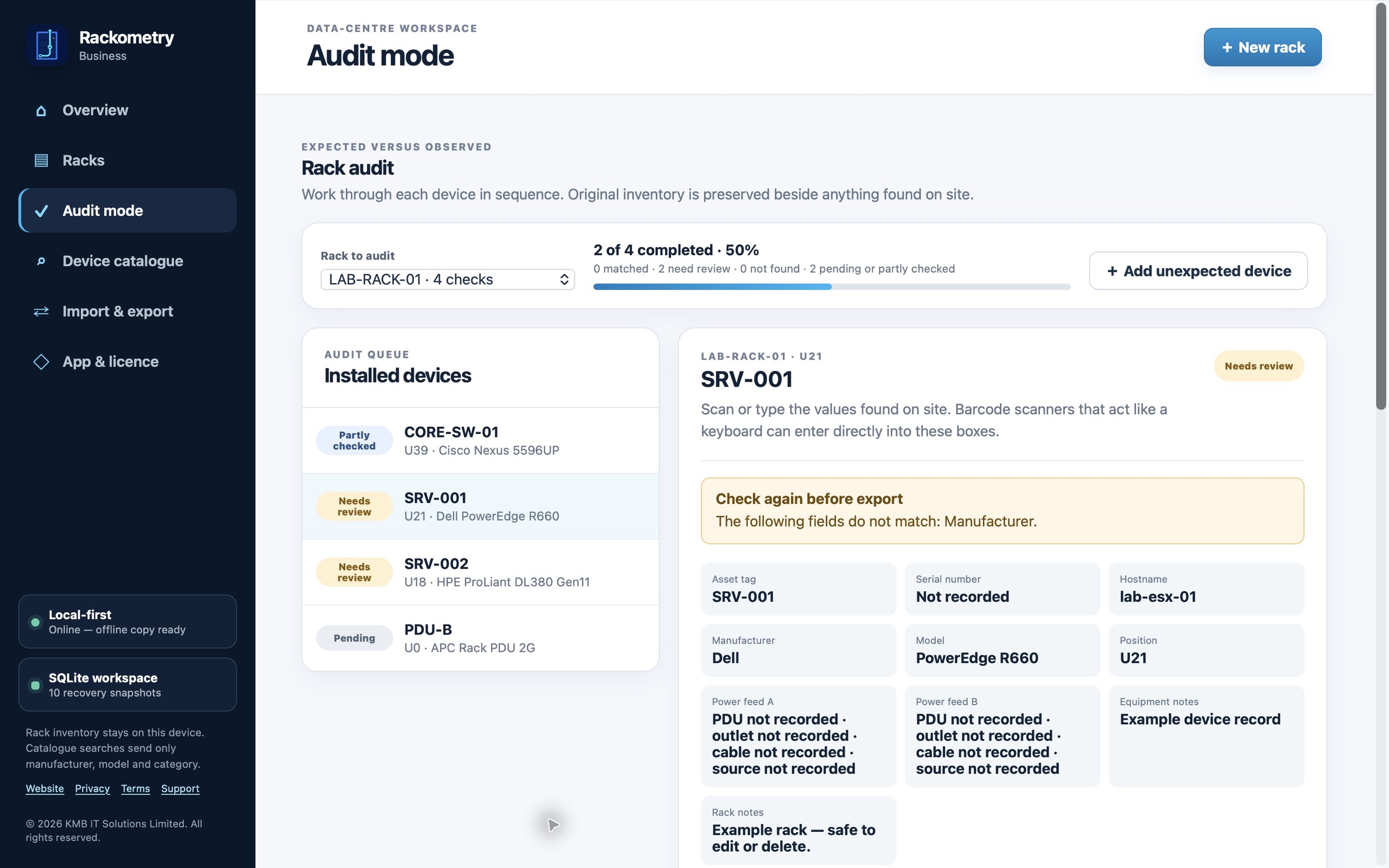
Record the visible asset tag, serial number, manufacturer, model and actual position where available. A keyboard-style barcode scanner can speed up identifier entry, but the operator should still confirm the scanned value belongs to the device.
- 4. Explain differences.
Mark devices that are added, missing, moved or labelled differently from the expected record. Keep the expected value and observed value together, with a note or ticket reference for anything needing follow-up.
- 5. Review and hand over.
Resolve obvious data-entry mistakes, identify any unchecked fields, and export a structured record. Include unresolved discrepancies and the person or team responsible for the next action.
Where software helps
Keep the plan and the observation together.
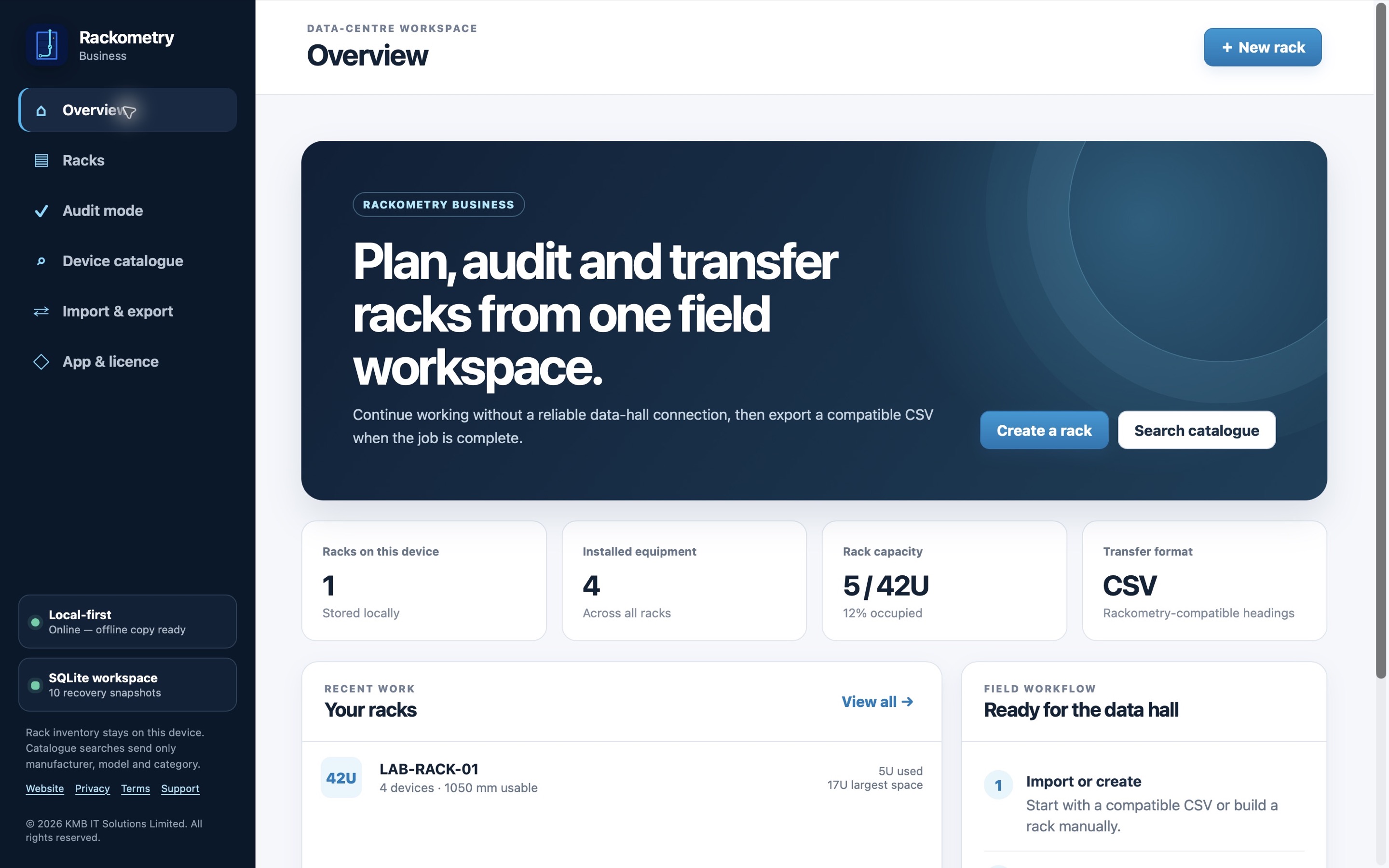
Rackometry Business supports rack planning, CSV import, expected-versus-observed audit entries, notes and CSV handover in a local-first desktop workspace. It helps organise the process; it does not replace your site procedures or your organisation’s source-of-truth systems.
Screenshots show fictional demonstration records.